AlignCart — Your store, in one app.
Timeline
1.5 Months
Platform
iOS + Android
Role
Sole Product Designer
01 — Overview
What is
AlignCart?
01
App Store Rating
4.7
Team
3
1 Designer | 2 Developers
Downloads
100+
Organic (no paid acquisition)
Screens
25+
Across Multiple User Journeys
Onboarding + Home Screens
Login
AlignCart
OTP Verification
AlignCart
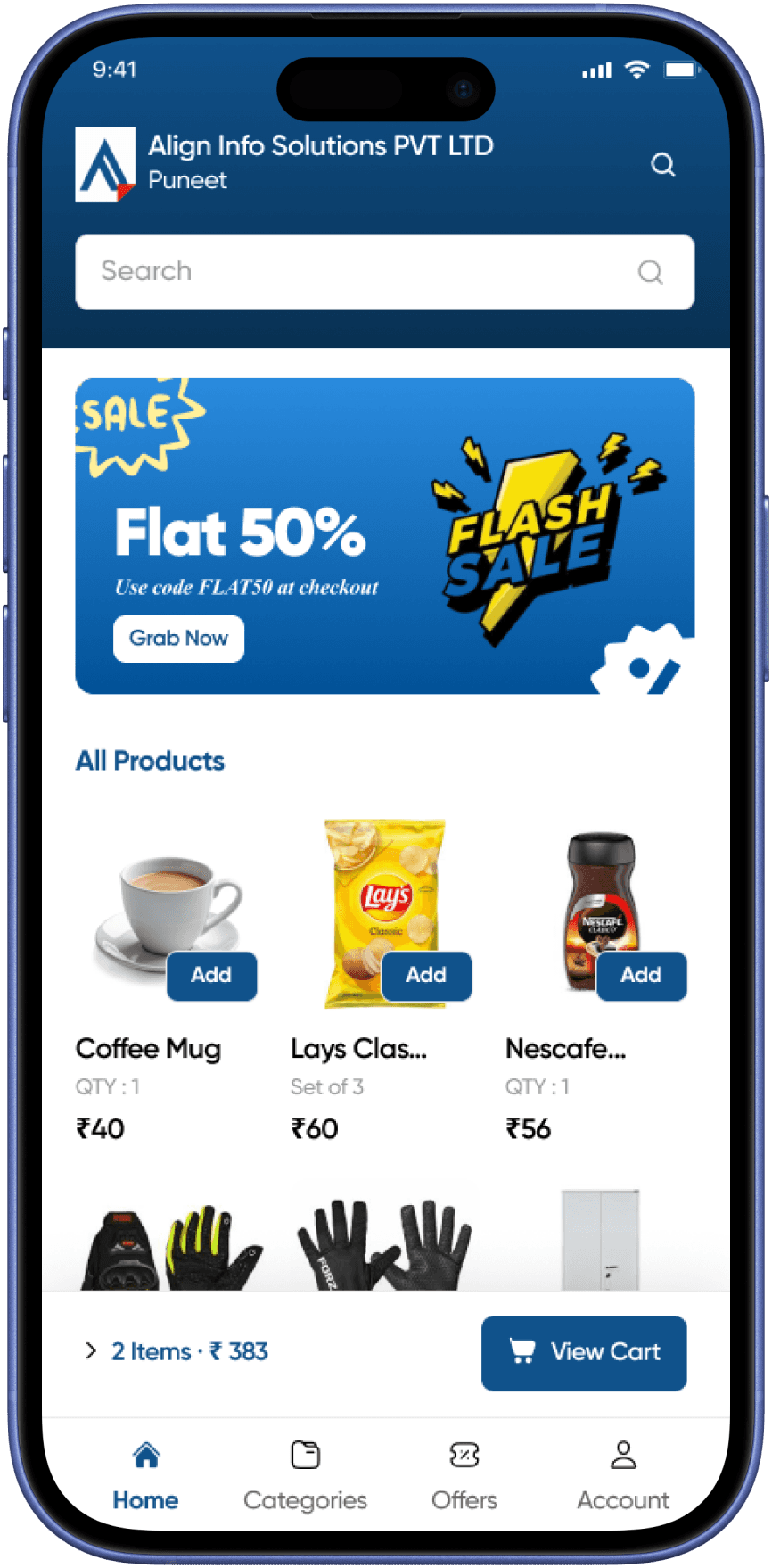
Home Screen
AlignCart
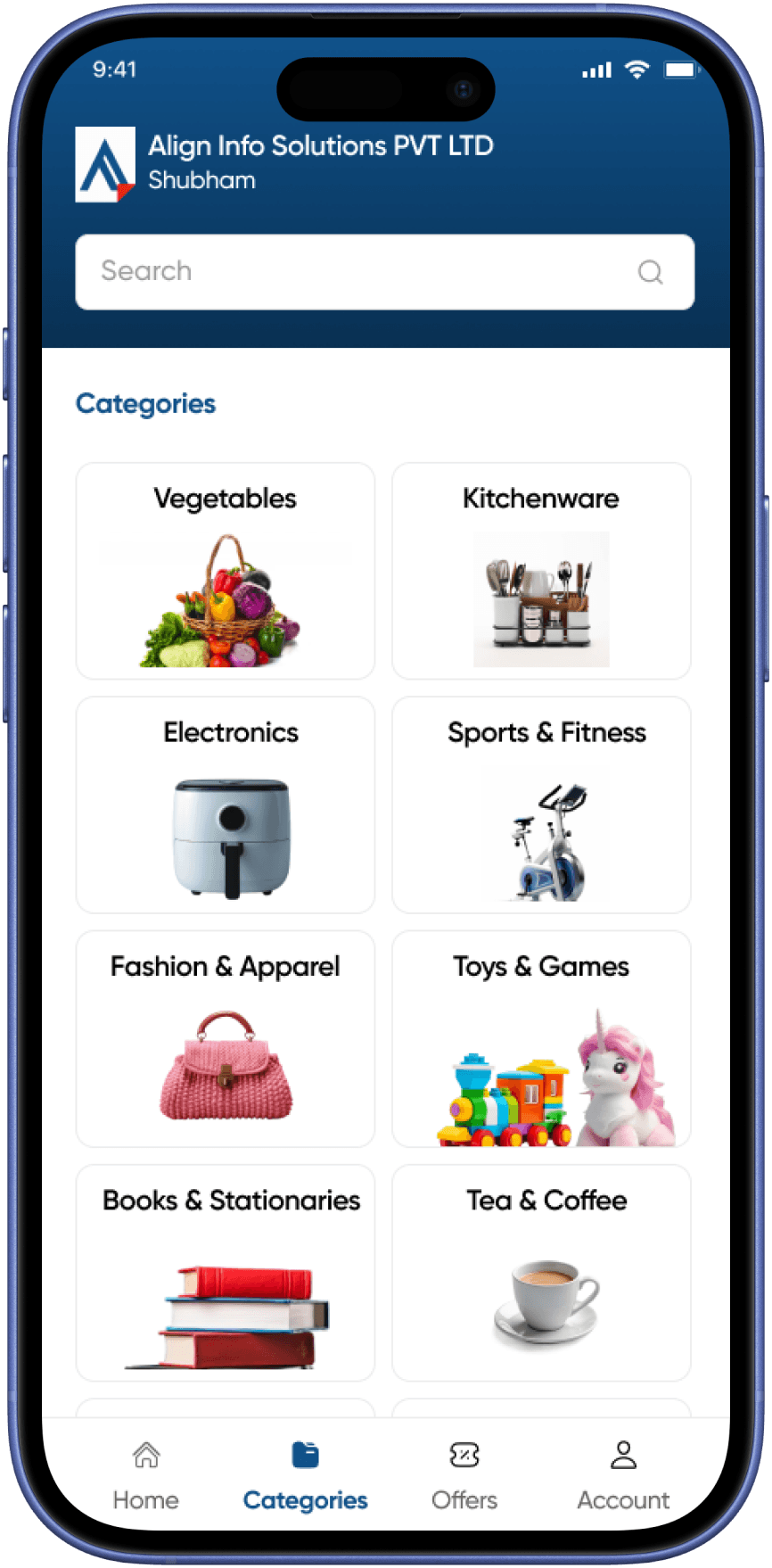
Categories
AlignCart
Account
AlignCart
02 — Problem
The gap quick commerce
left behind
02
Quick commerce platforms have made ordering groceries and daily essentials fast and convenient — but at a steep cost for the seller.
Products are competing for visibility on the same platform as thousands of other sellers
Custom app development was out of reach financially for most local businesses
03 — Research
Understanding
the users
03
AlignCart serves two distinct users: the vendor (the retailer who sets up and manages their store via AlignBooks) and the customer (who shops through the branded app). Research focused on both ends of this relationship.
06 — Design Decisions
What we built
and why
04
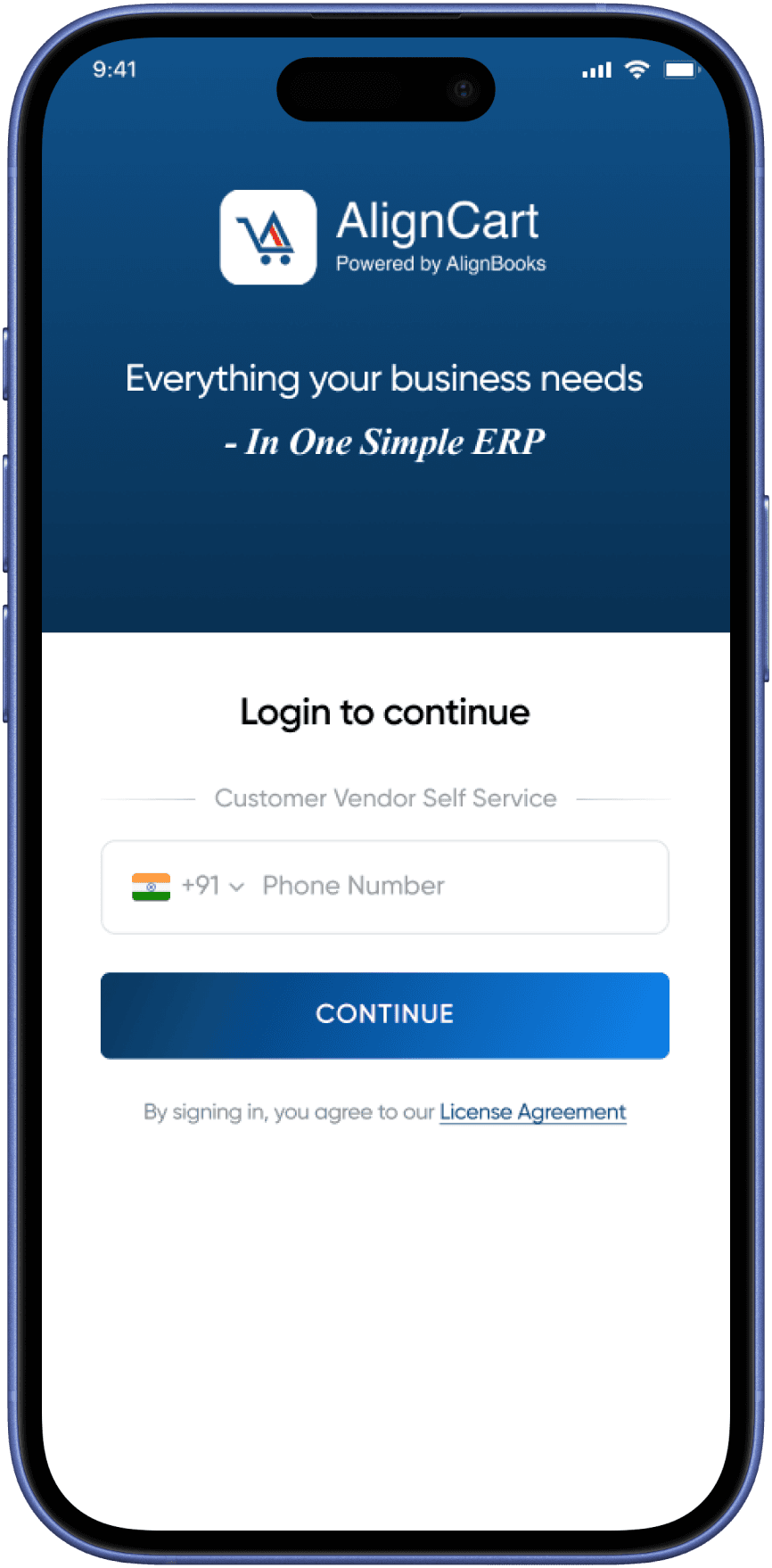
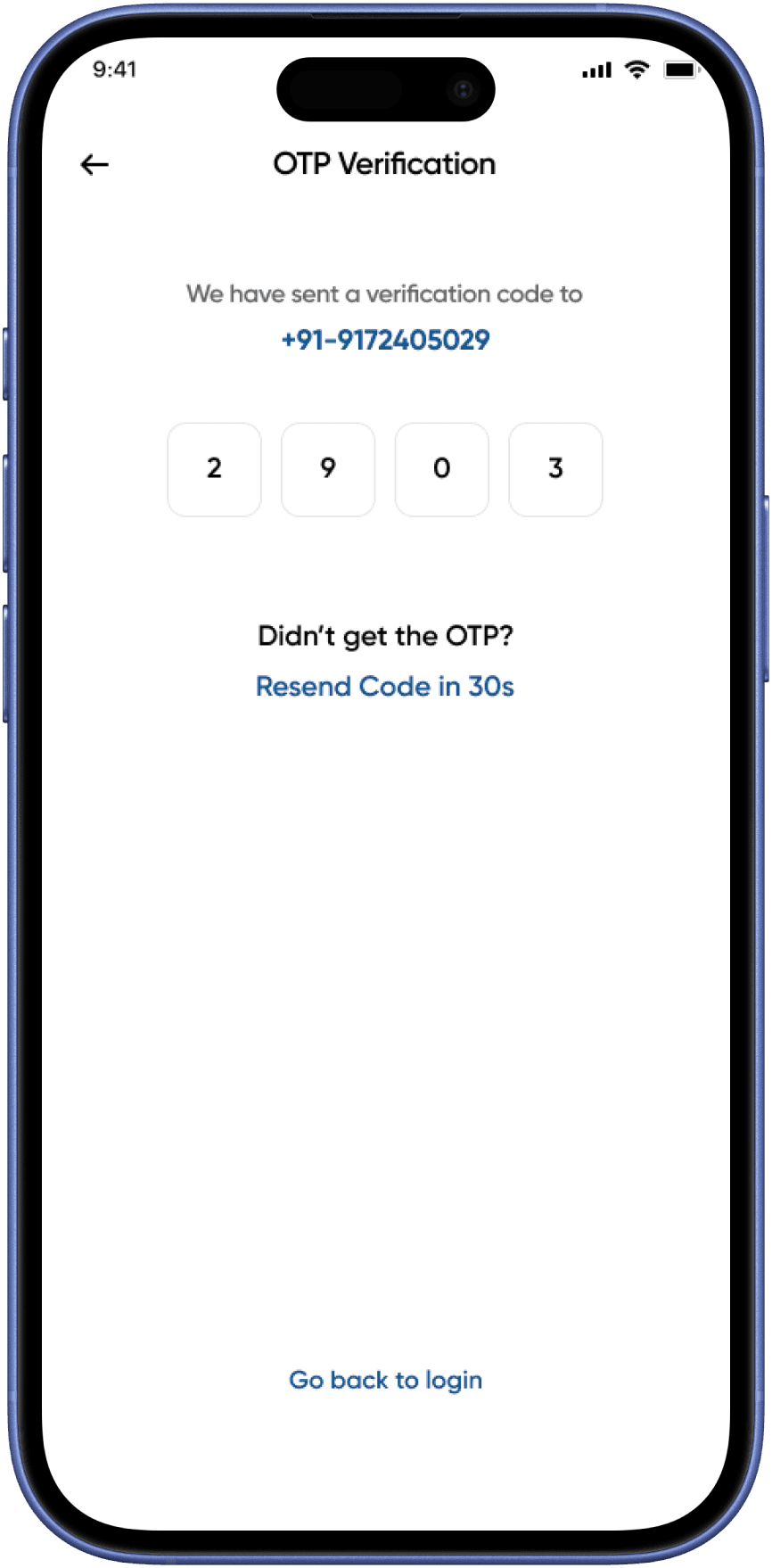
OTP-First Login
Phone + OTP removes the password friction that causes drop-off among less tech-savvy users. One field, one action, in. The familiar pattern is trusted by millions of Indian users across UPI and banking apps.
Category-First Home
Rather than pushing algorithmically sorted products, the home screen leads with categories. Users of local shops know what they want — the design facilitates intent rather than manufacturing impulse.
Persistent Cart Bar
A sticky bottom bar showing item count and total throughout browsing reduces cognitive load and acts as a constant nudge toward checkout, without blocking product discovery.
Modular Checkout Flow
Coupons, delivery scheduling, and address selection are distinct, collapsible sections — not one overwhelming long form. Users can edit individual parts without losing their entire checkout state.
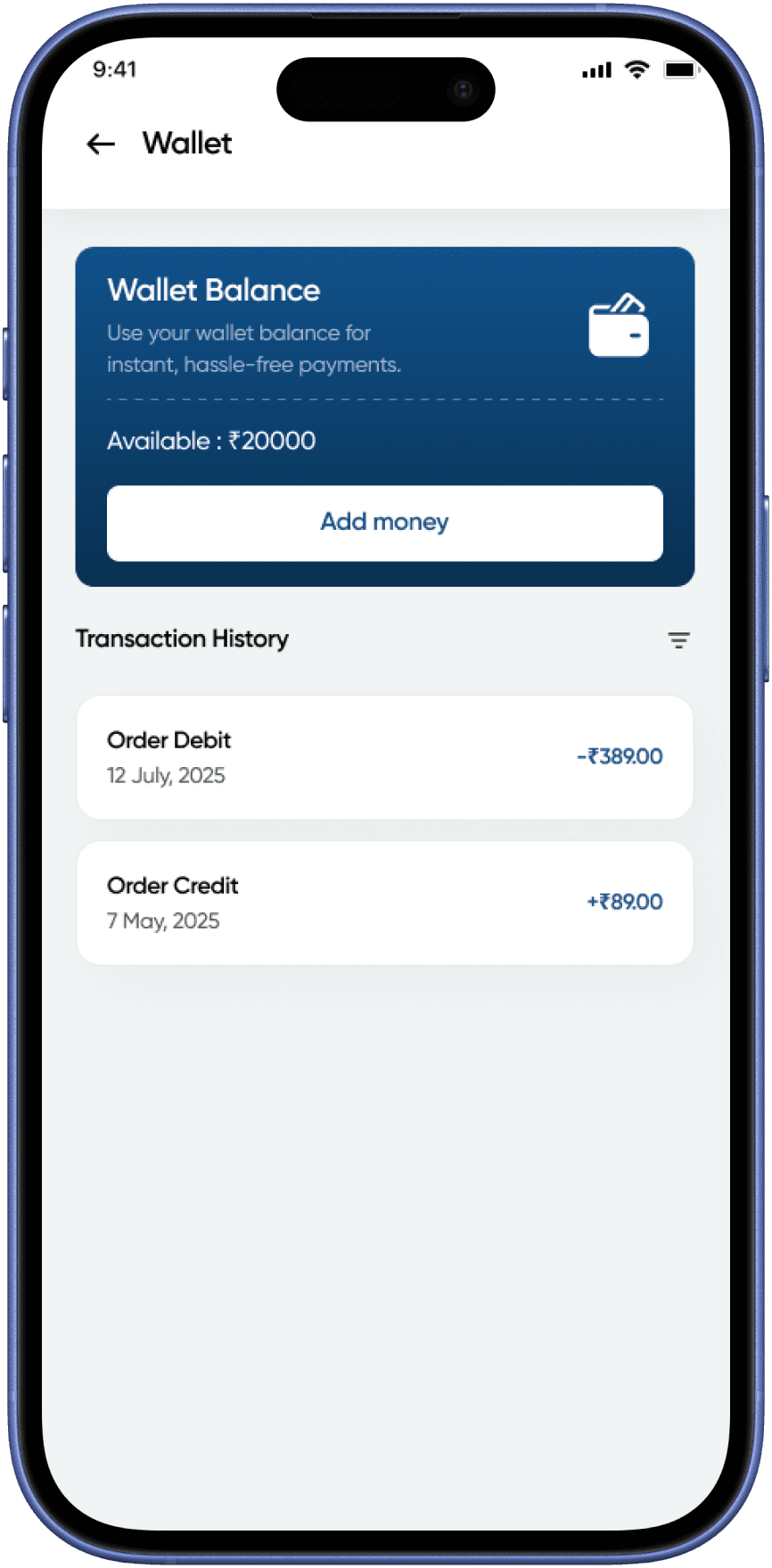
Built-in Wallet
A native wallet with transaction history gives repeat customers a faster payment path and builds loyalty without relying on third-party UPI apps for every transaction.
Unavailable Items Handling
Rather than silently blocking checkout, the app surfaces unavailable items clearly and prompts users to remove or replace — reducing frustration, abandonment, and support queries at scale. (Phase 2)
Account Screens
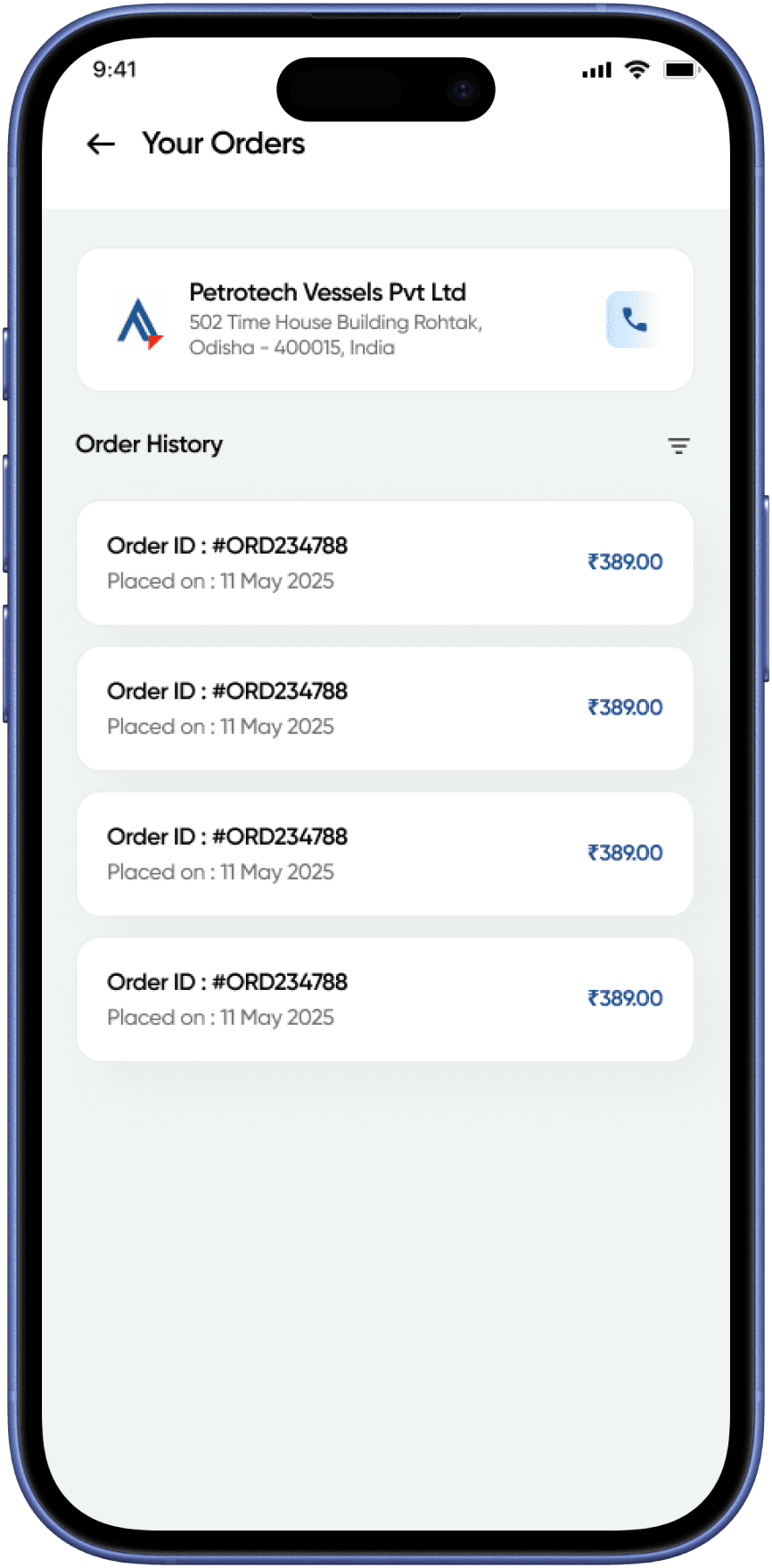
Order History
AlignCart
Order Detail
AlignCart
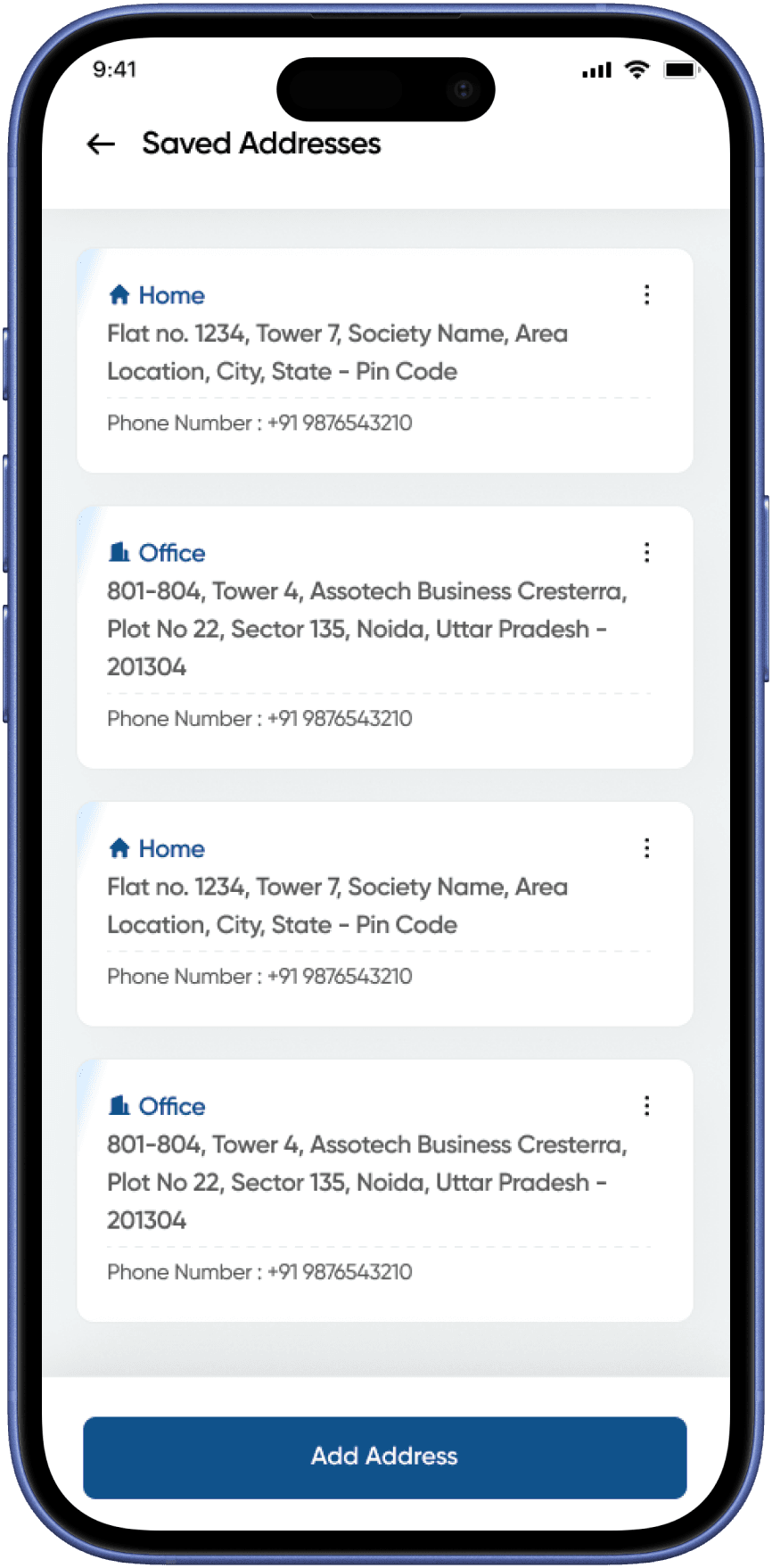
Saved Address
AlignCart
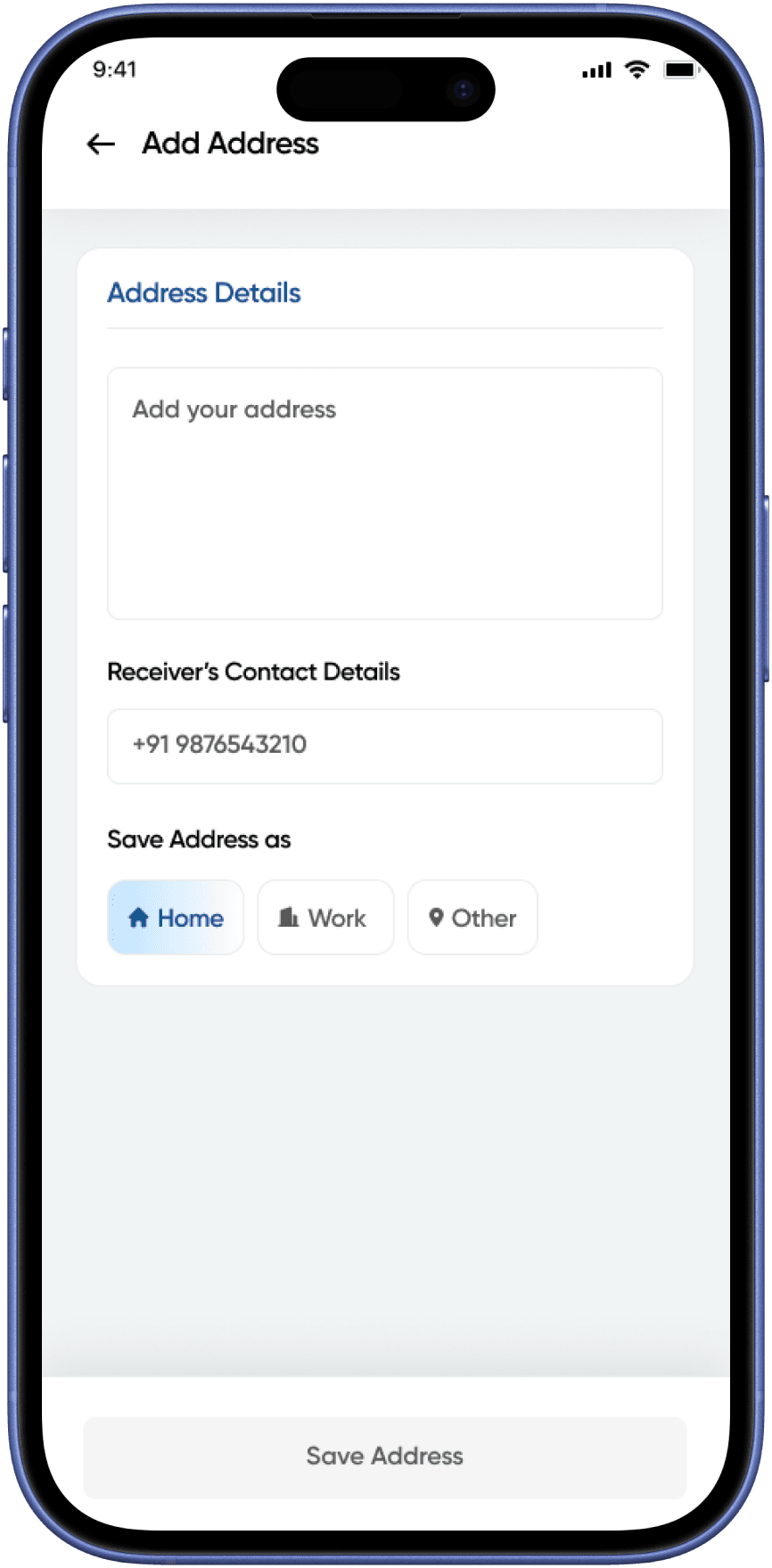
Add Address
AlignCart
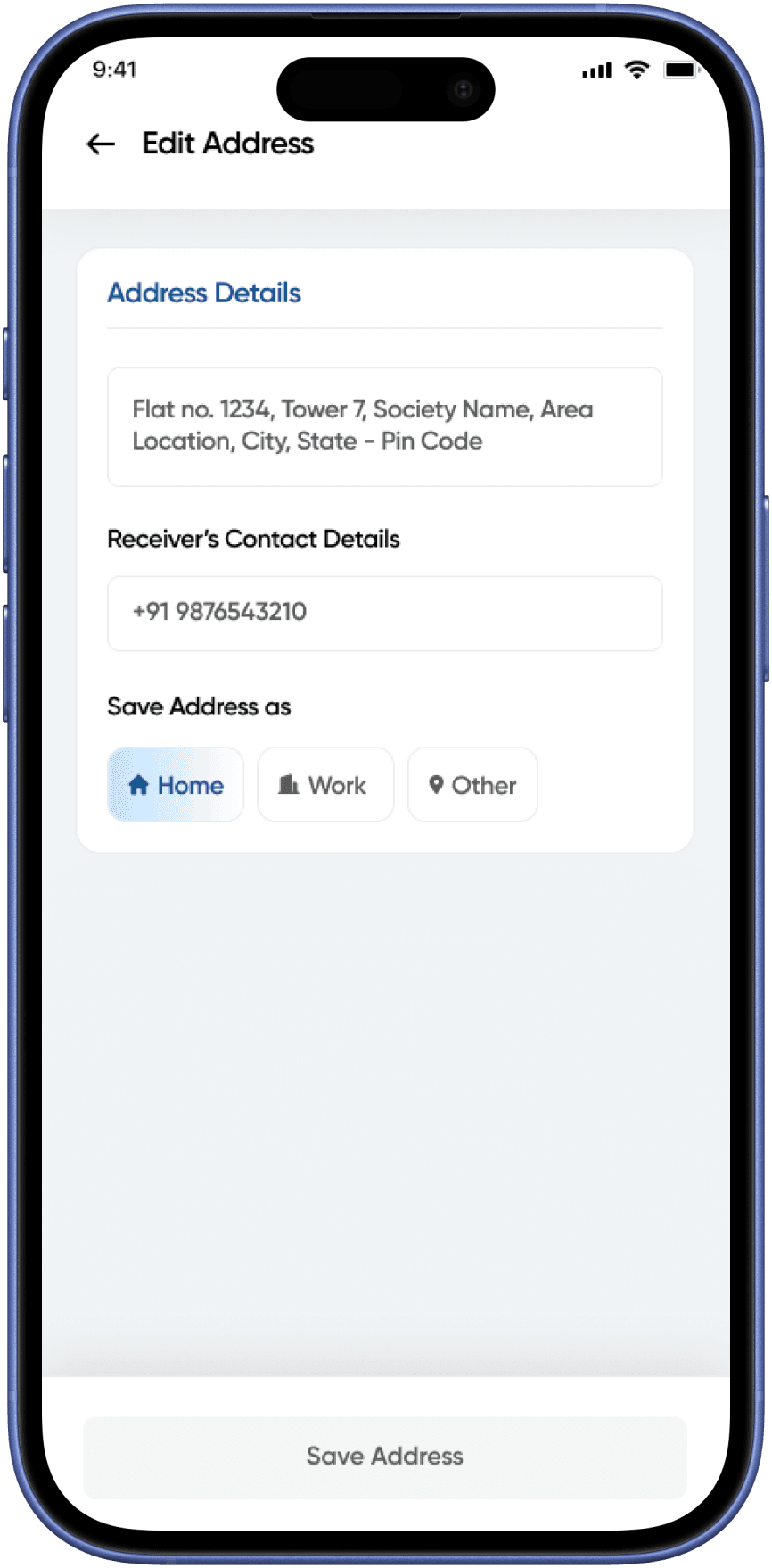
Edit Address
AlignCart
Wallet
AlignCart
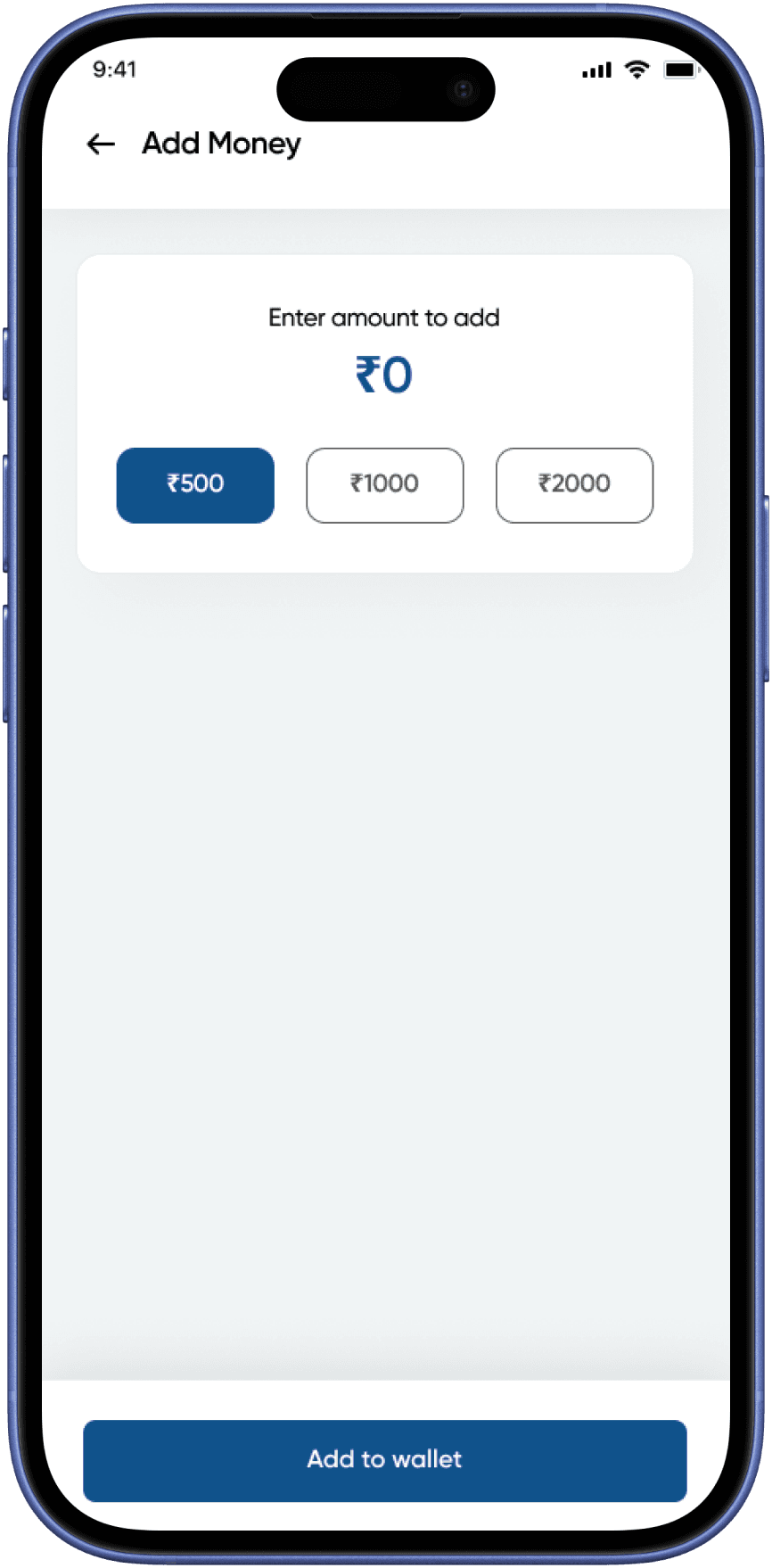
Add Money in Wallet
AlignCart
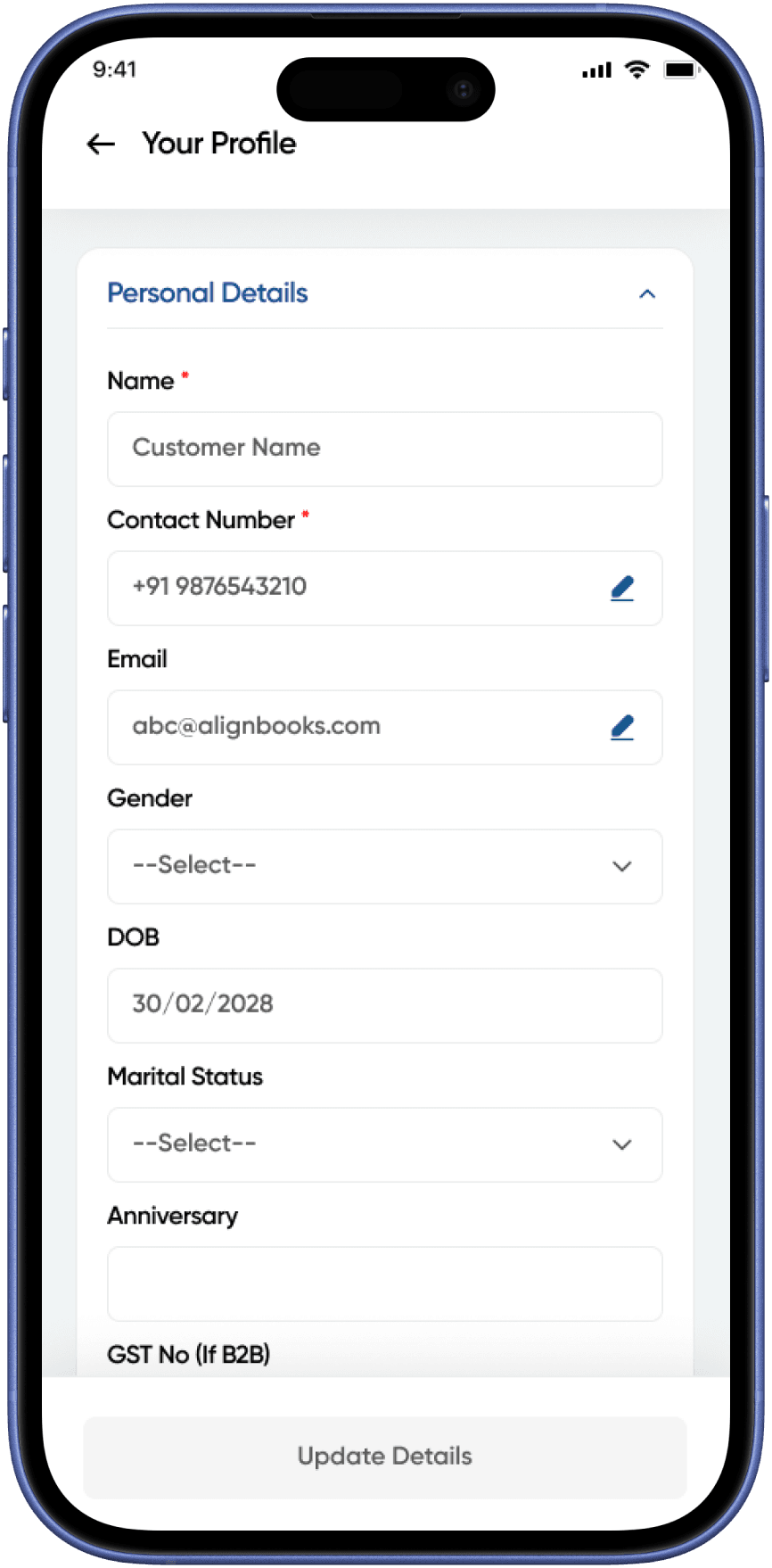
Profile
AlignCart
05
07 — Checkout Flow
Cart to payment,
The checkout flow was the most complex design problem — 10 screens that had to feel
effortless. The user journey was broken into digestible steps so no single screen was
overwhelming.
Cart
›
Coupons
›
Delivery Time
›
Address
›
Payment
›
Confirmation
08 — Account & Orders
Everything in one
account
08
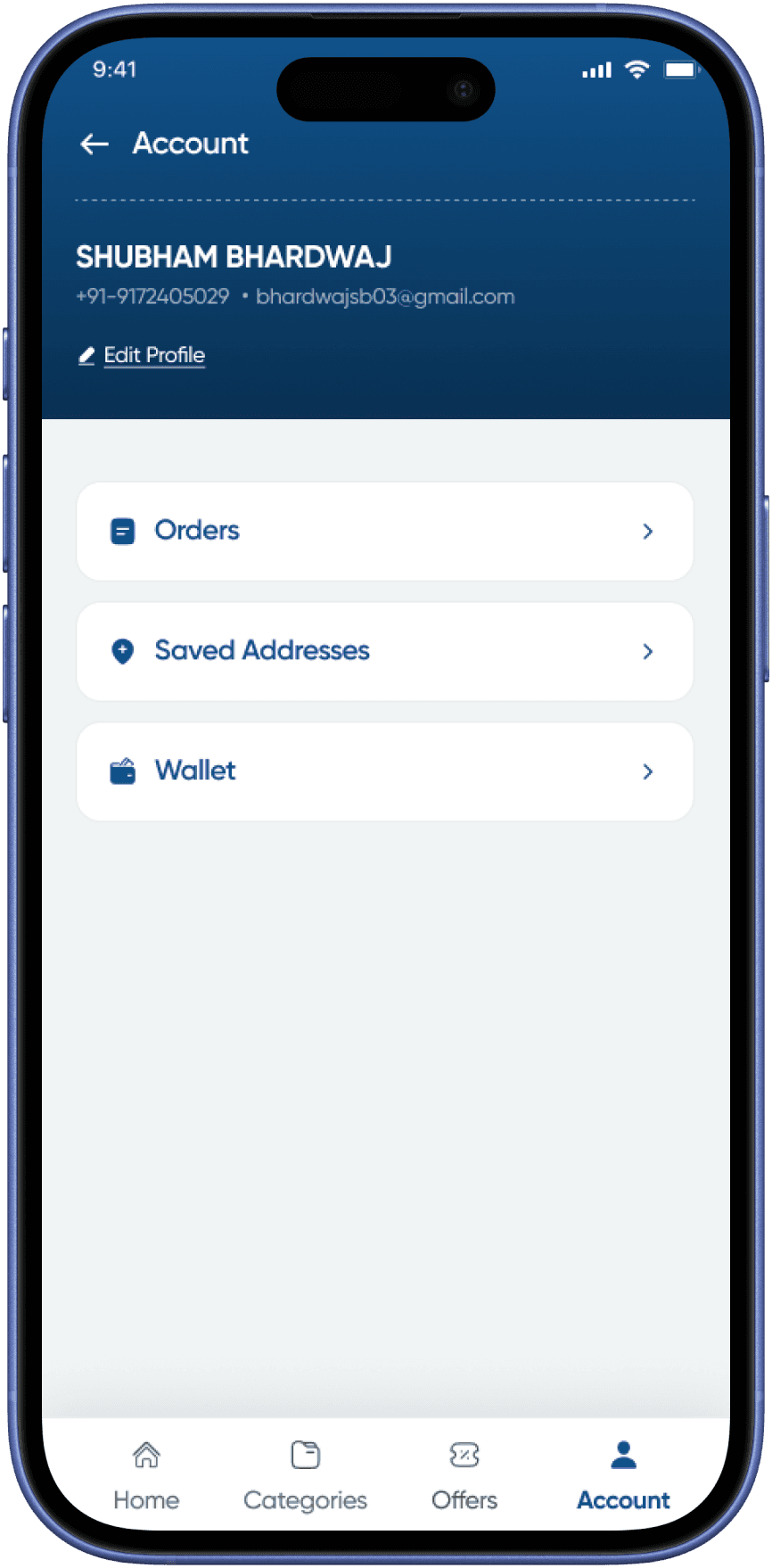
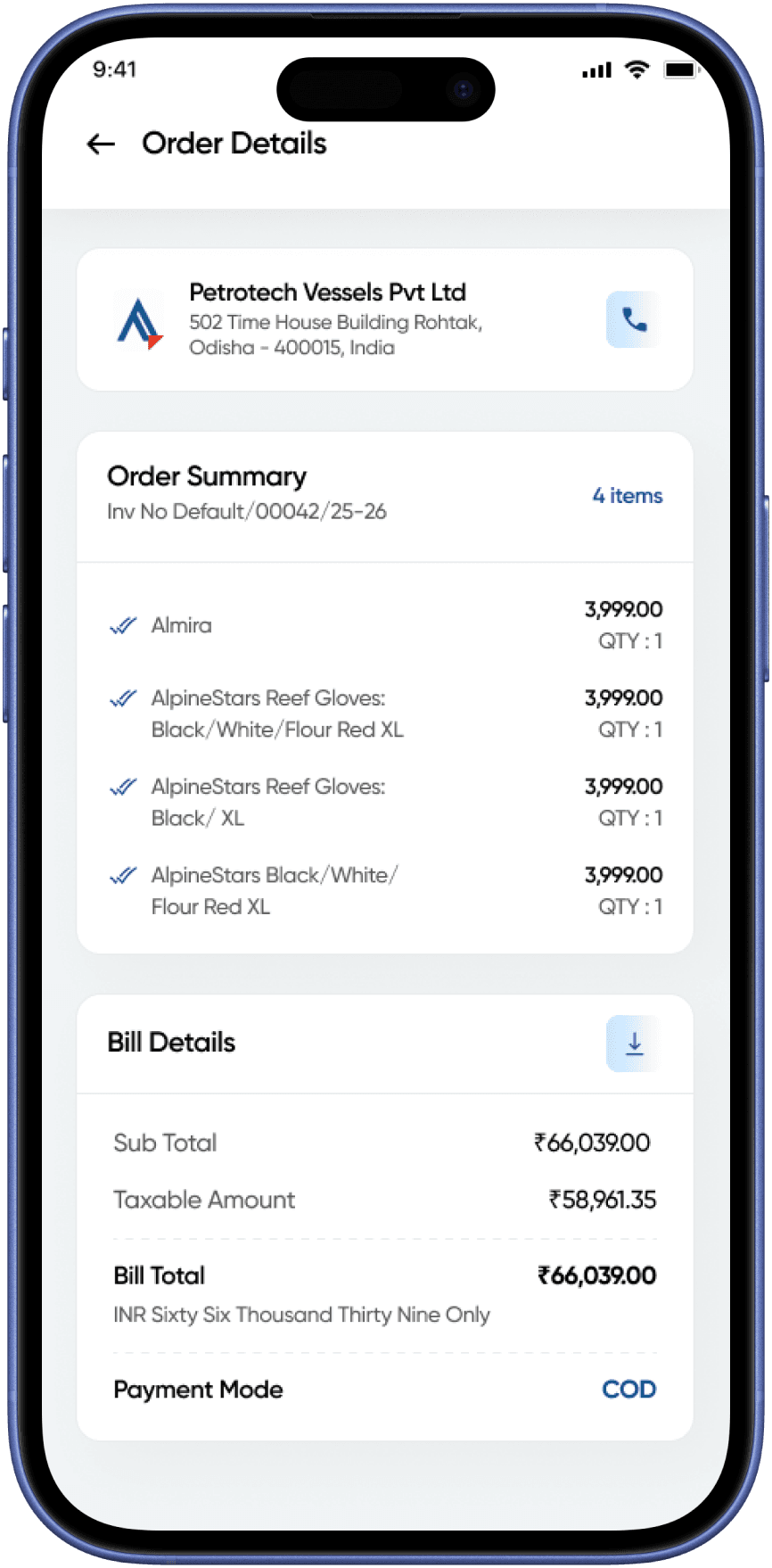
The account section brings together order history, saved addresses, the built-in wallet, and
profile management. The goal was a single hub that felt personal and organised — not an
afterthought.
Account, Orders + Wallet Screens
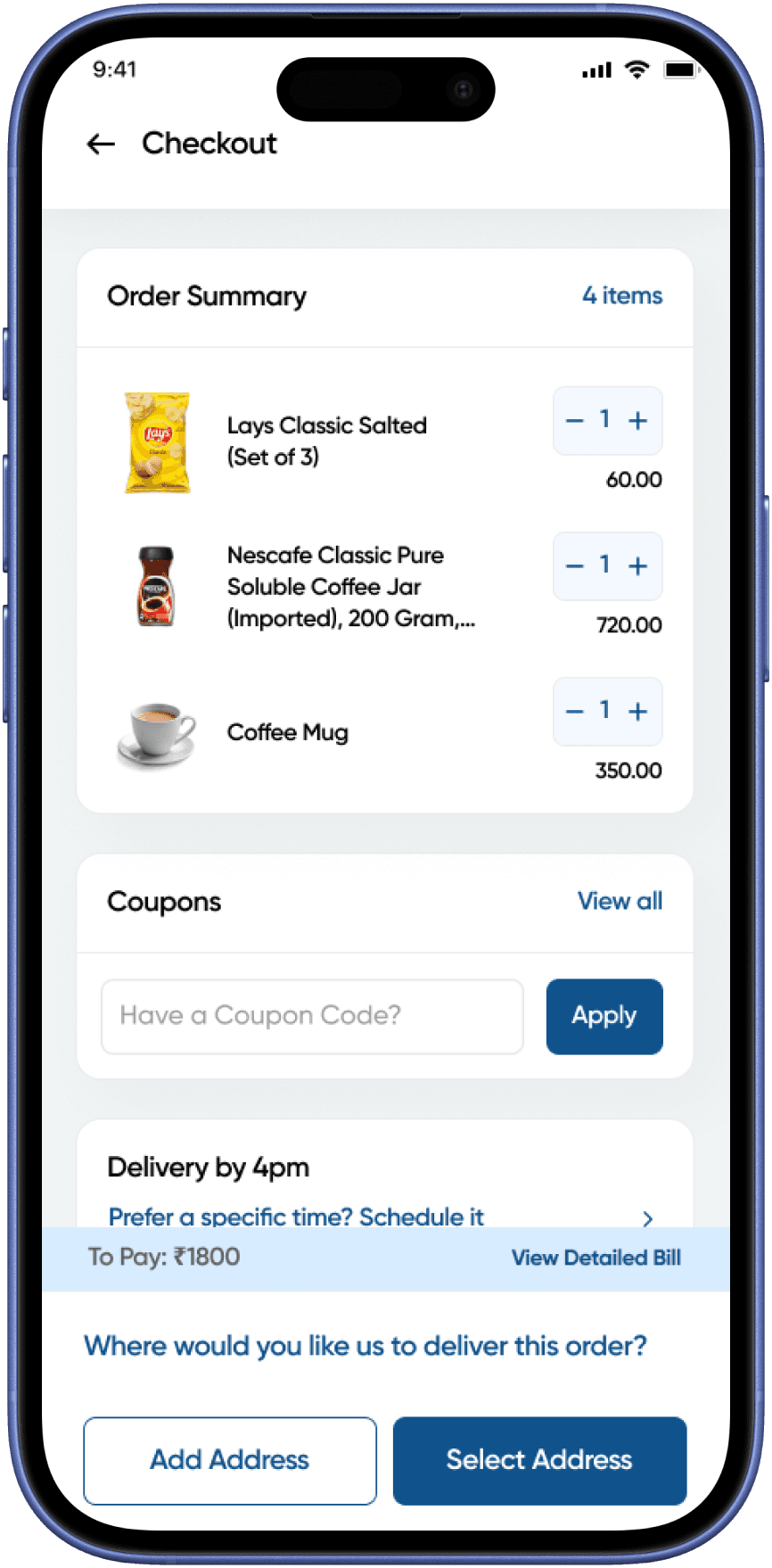
Cart Checkout
AlignCart
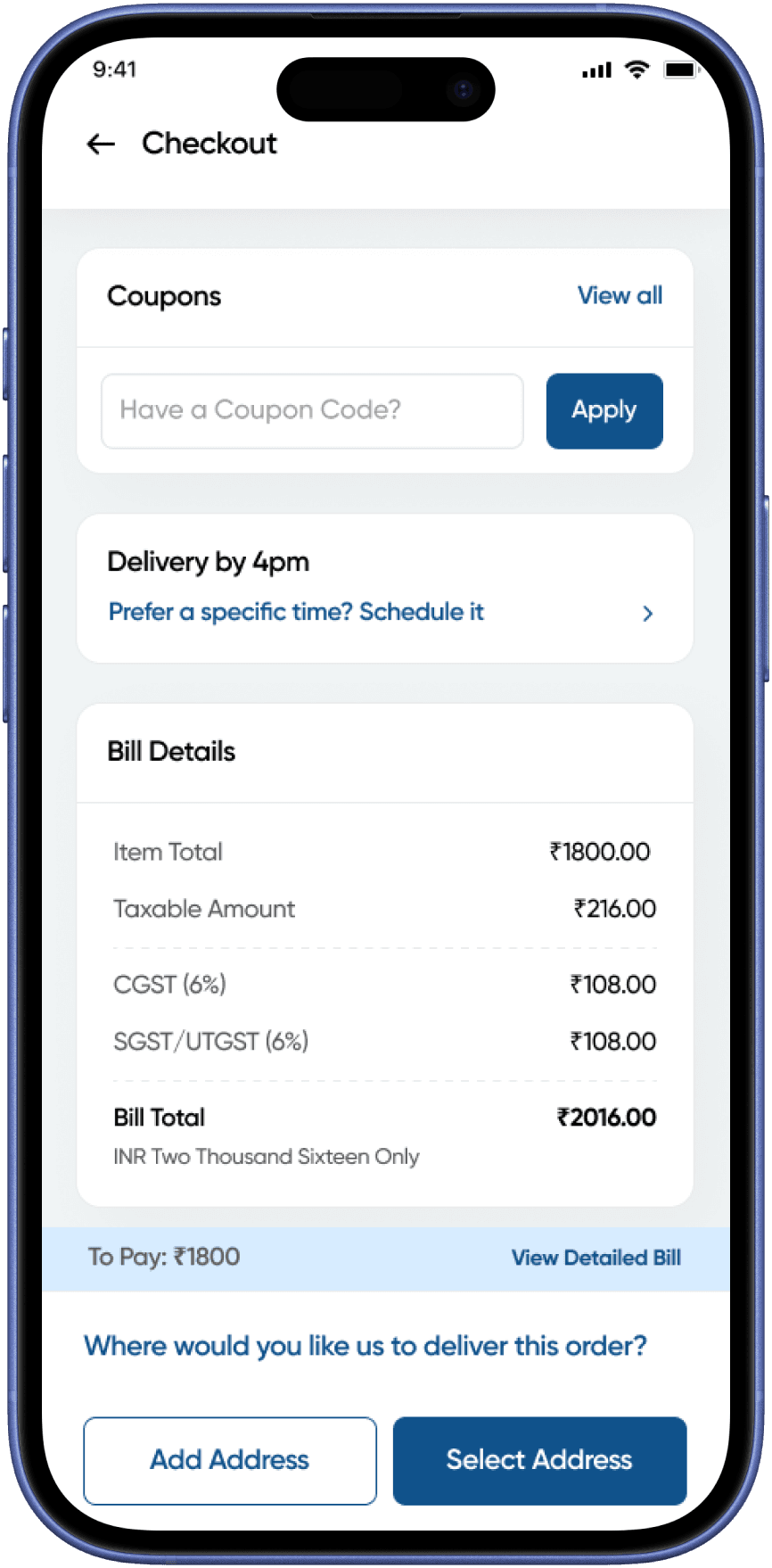
Cart Checkout
AlignCart
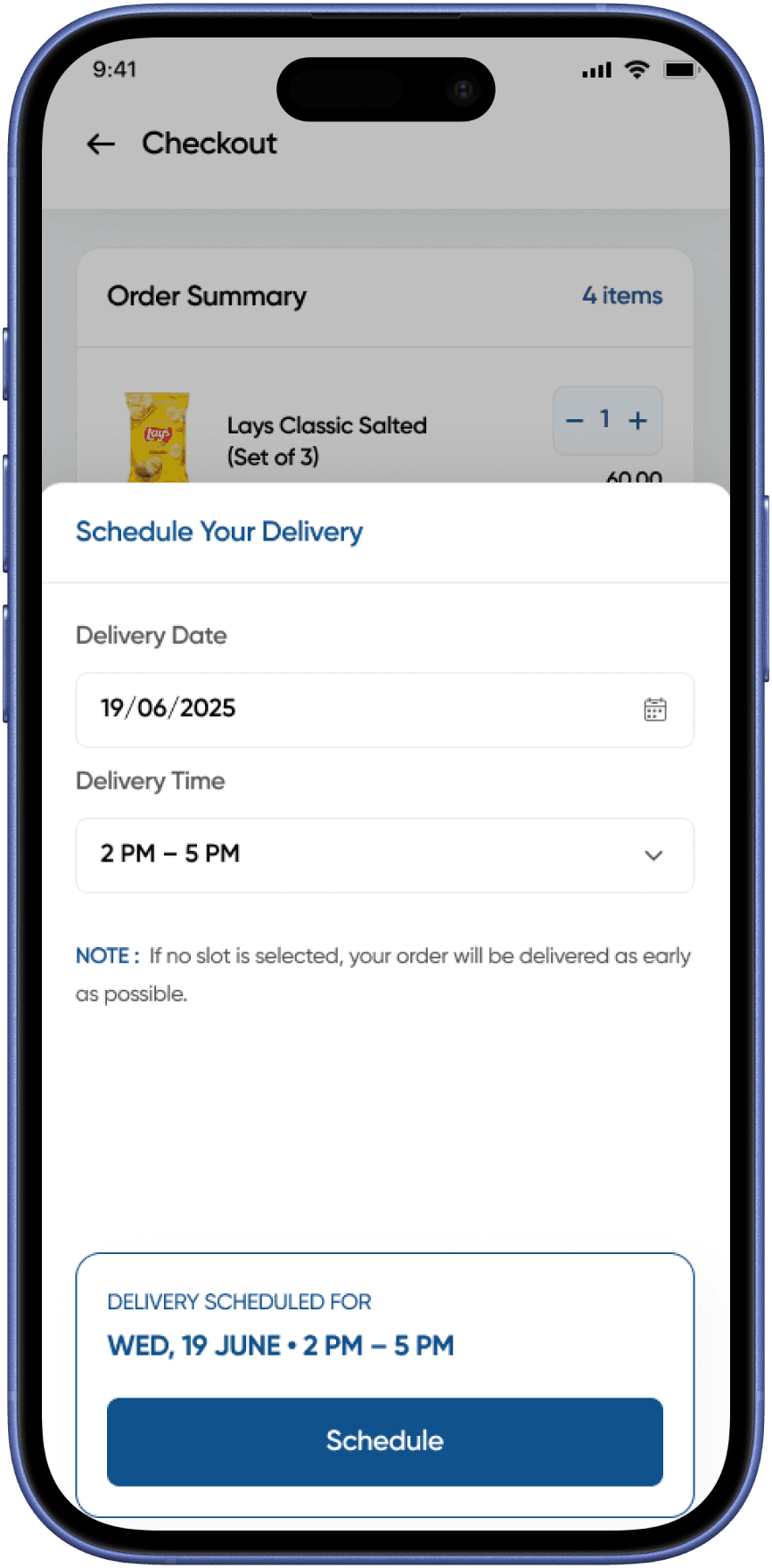
Schedule Delivery
AlignCart
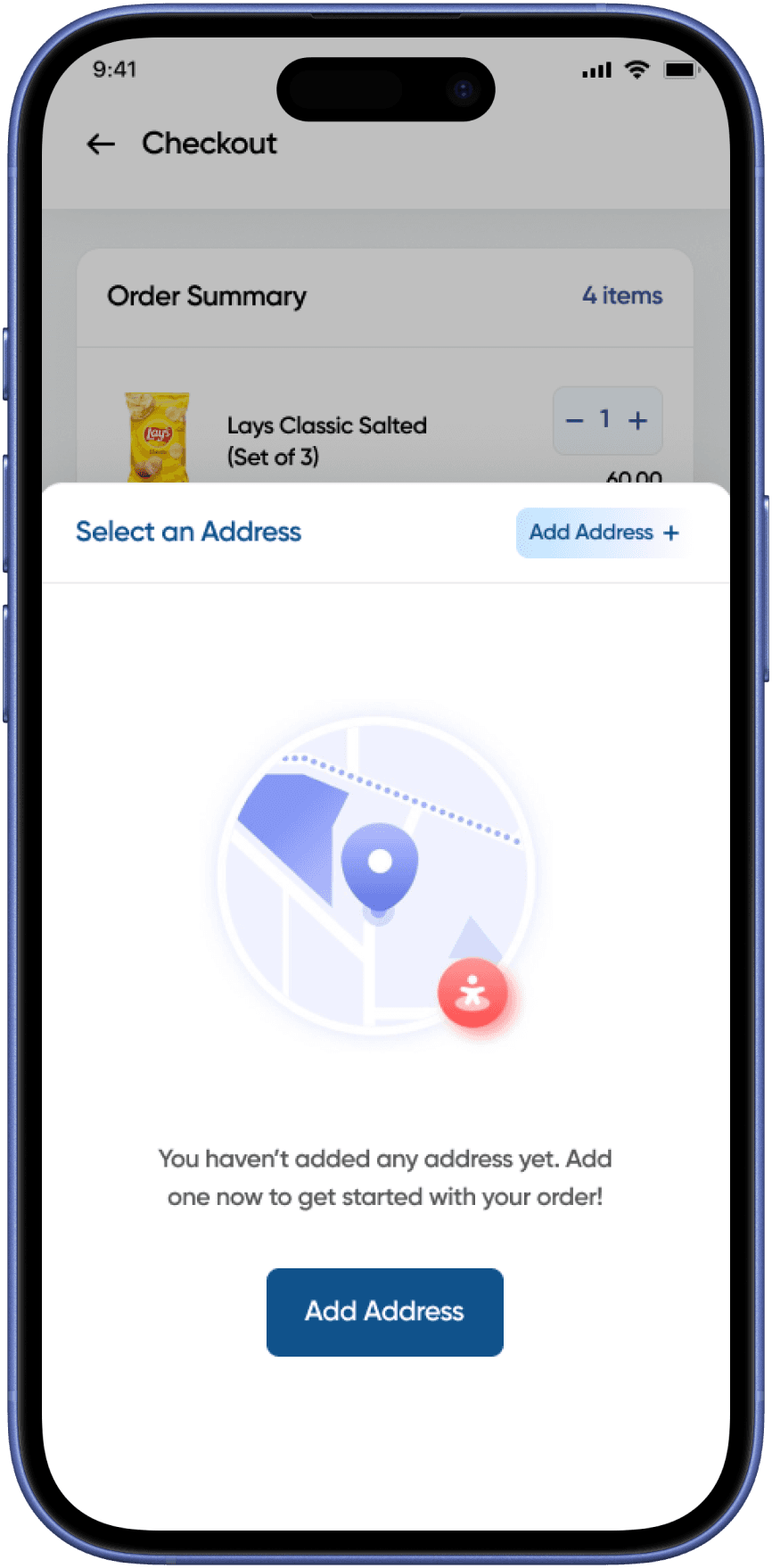
Select Address Modal (Empty)
AlignCart
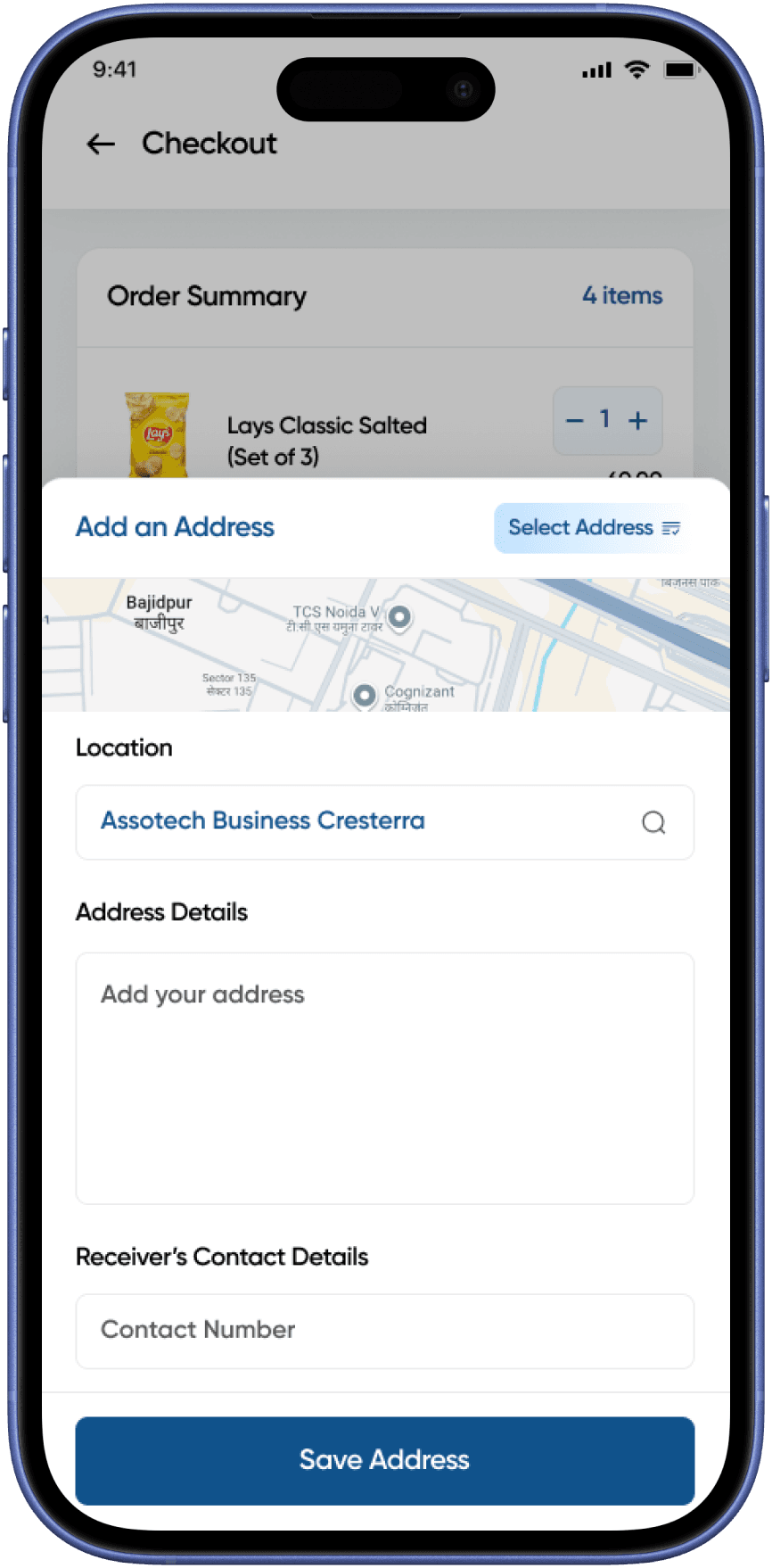
Add Address Modal
AlignCart
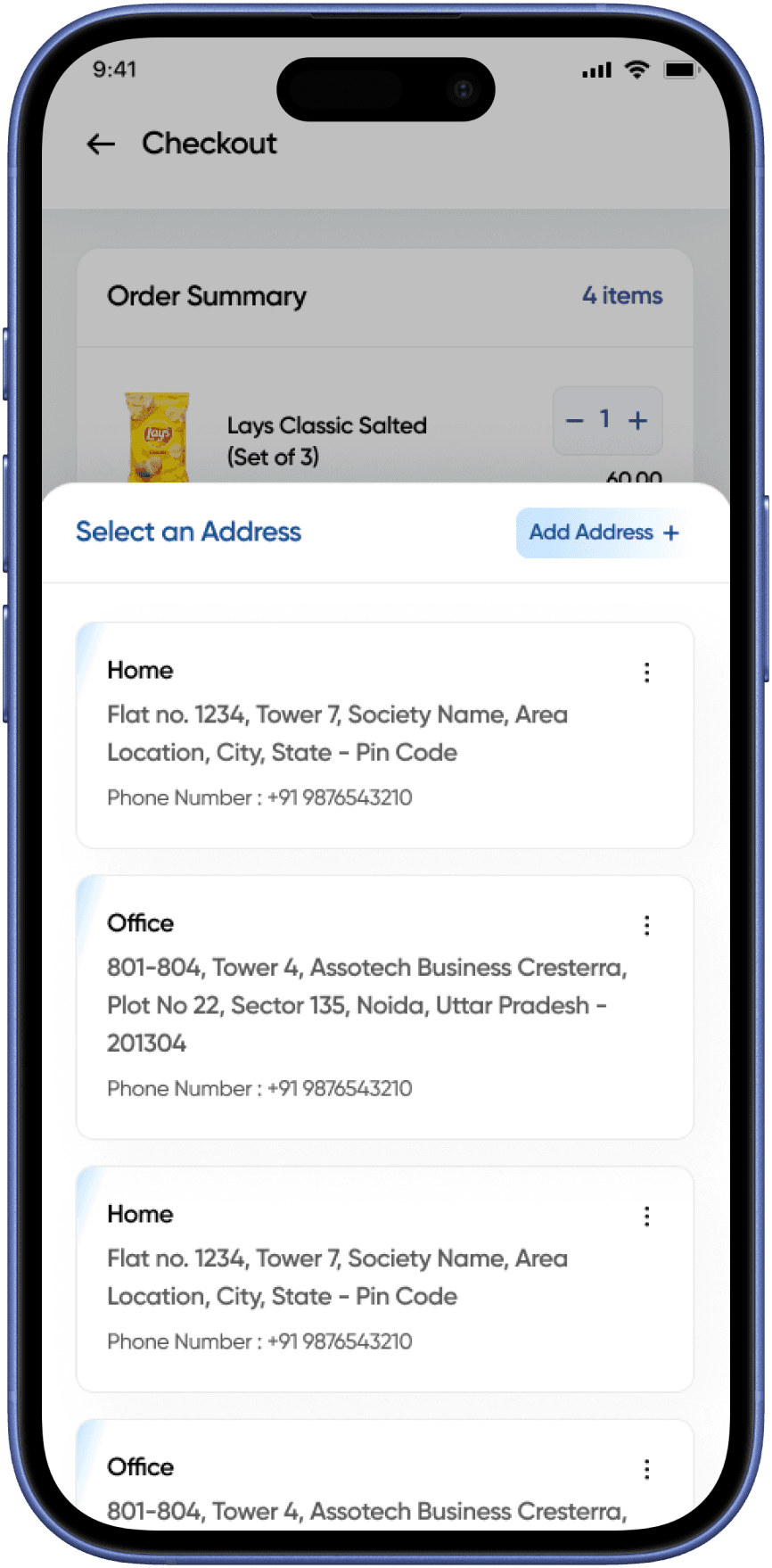
Select Address Modal (List)
AlignCart
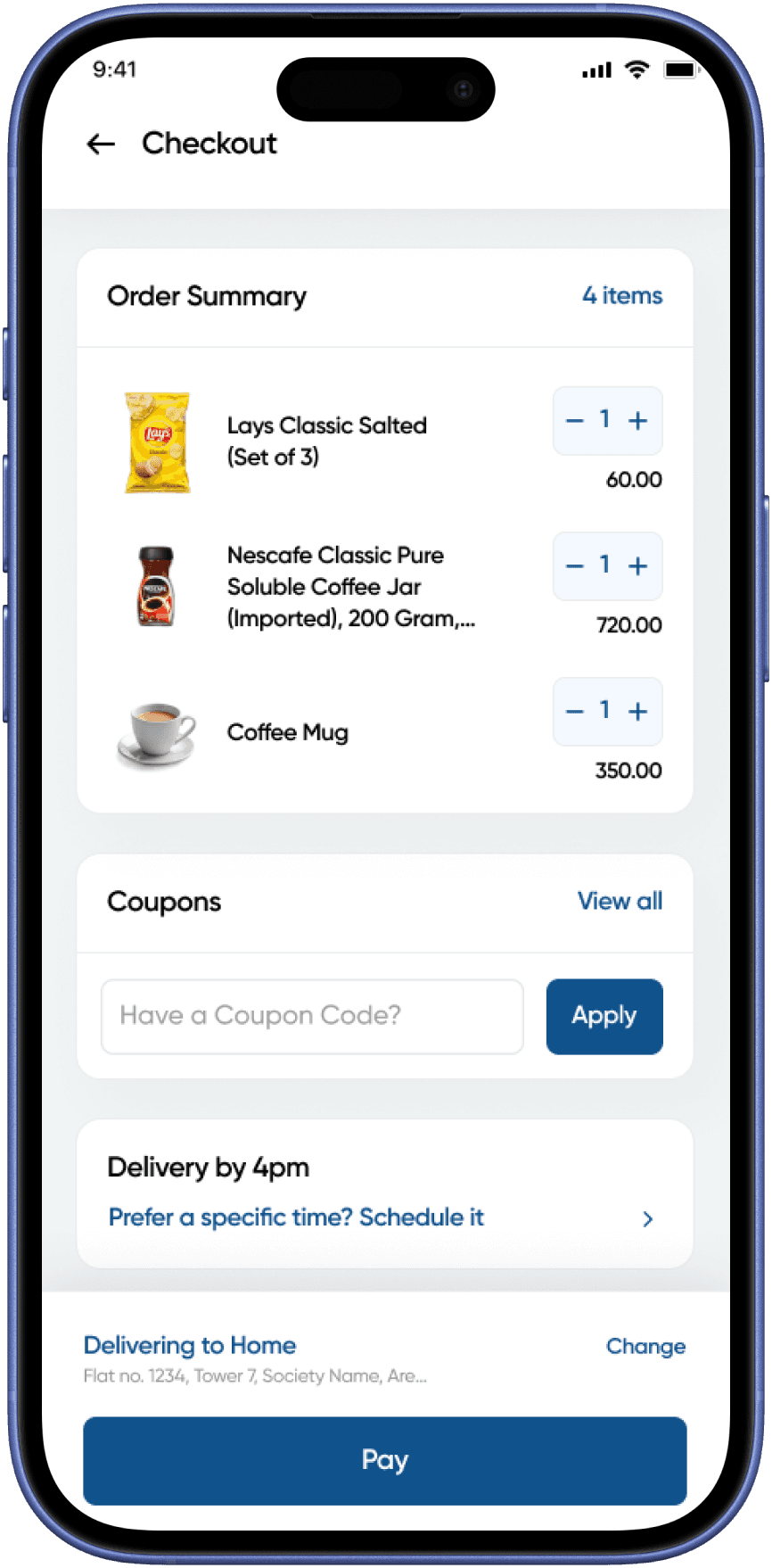
Address selected
AlignCart
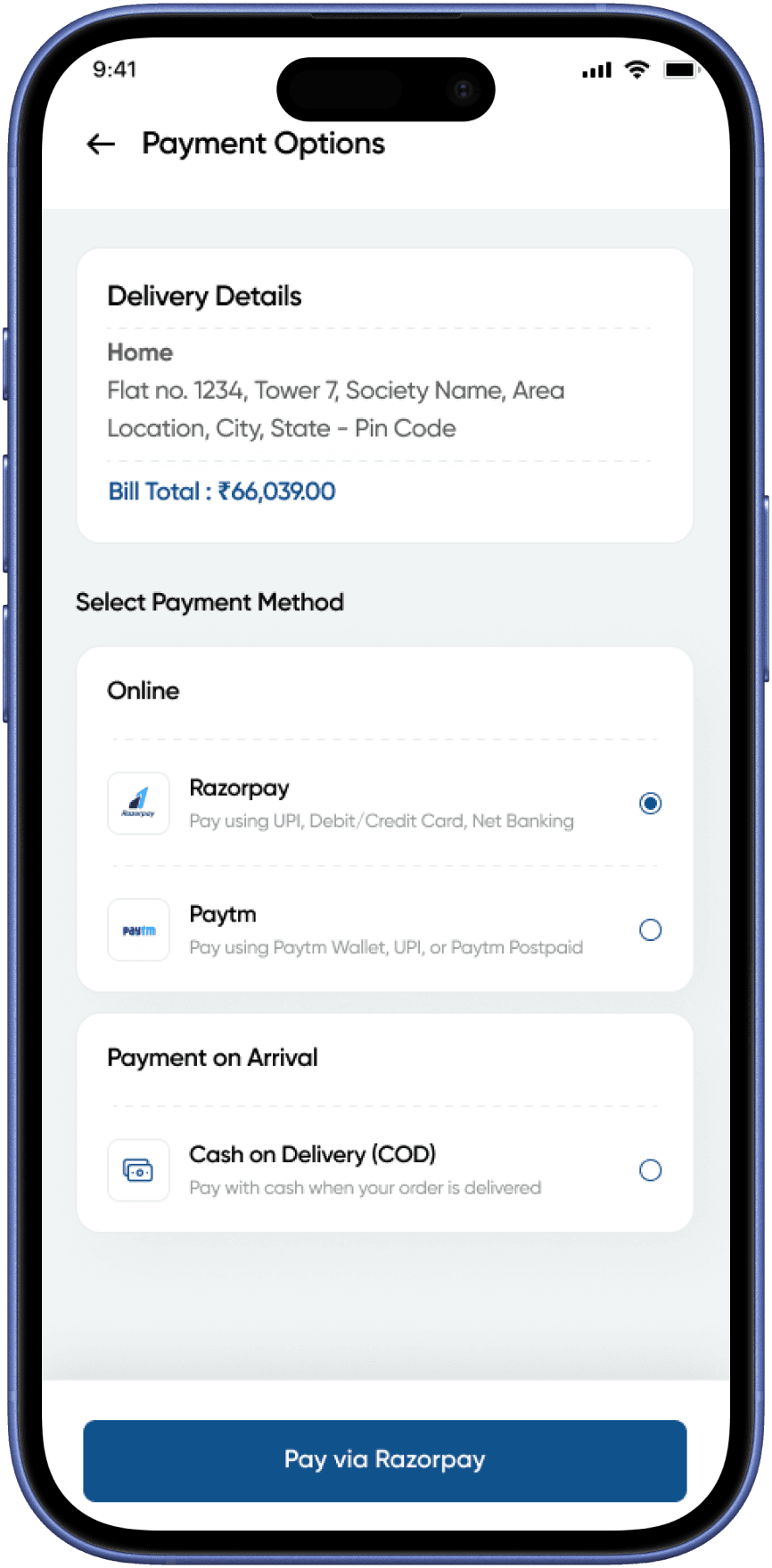
Payment Options
AlignCart
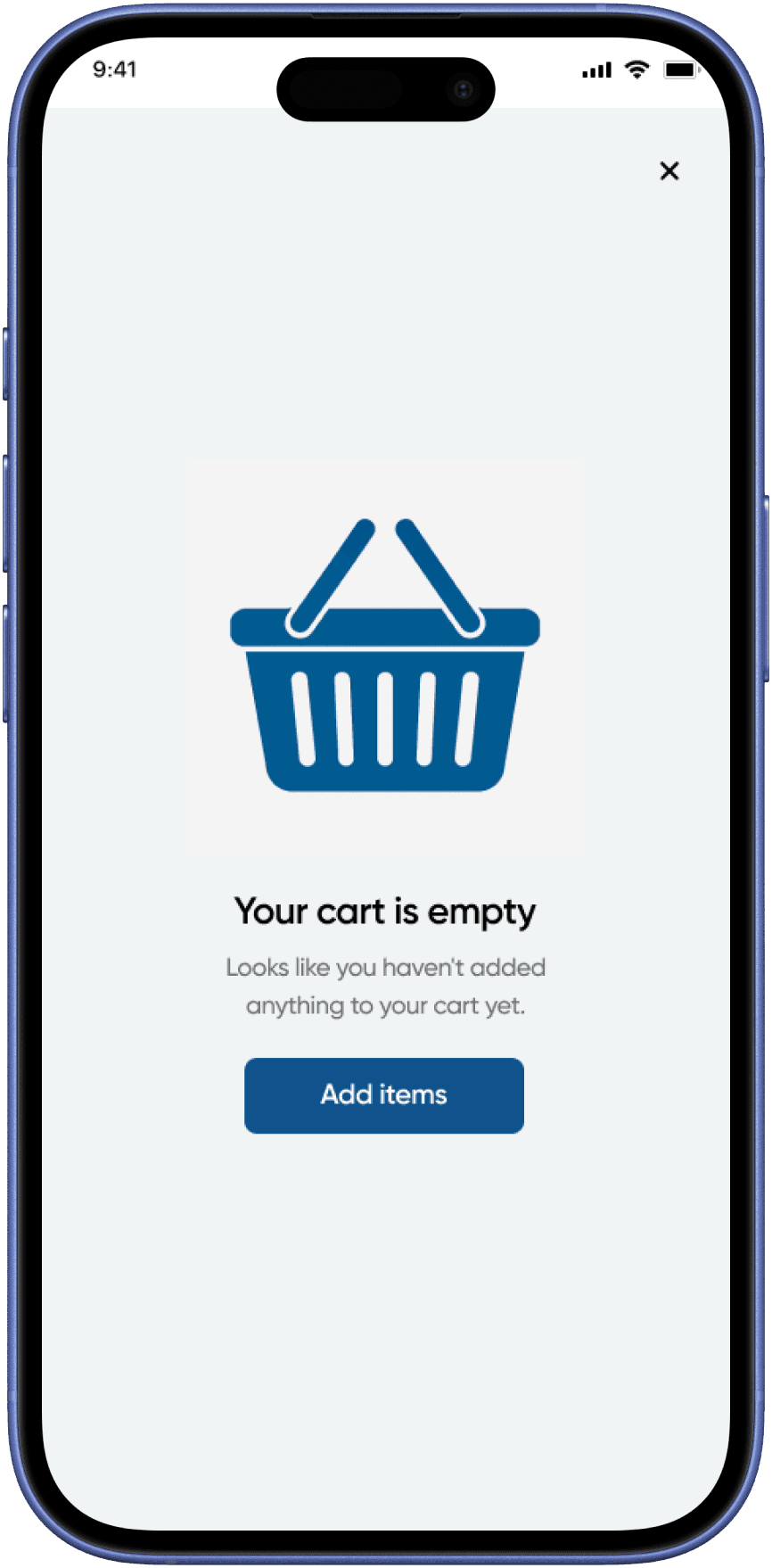
Empty Cart
AlignCart
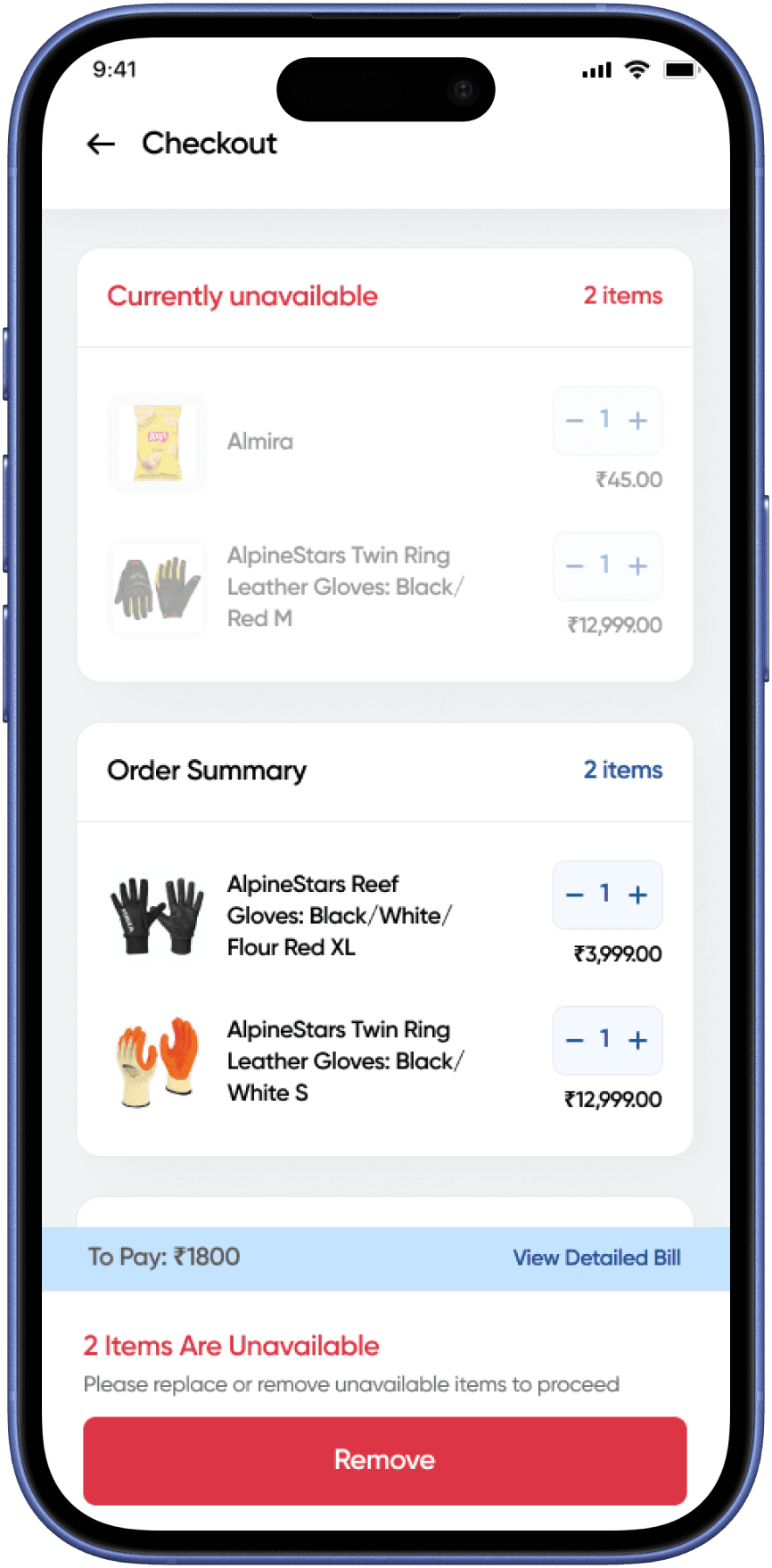
Unavailable Items
AlignCart
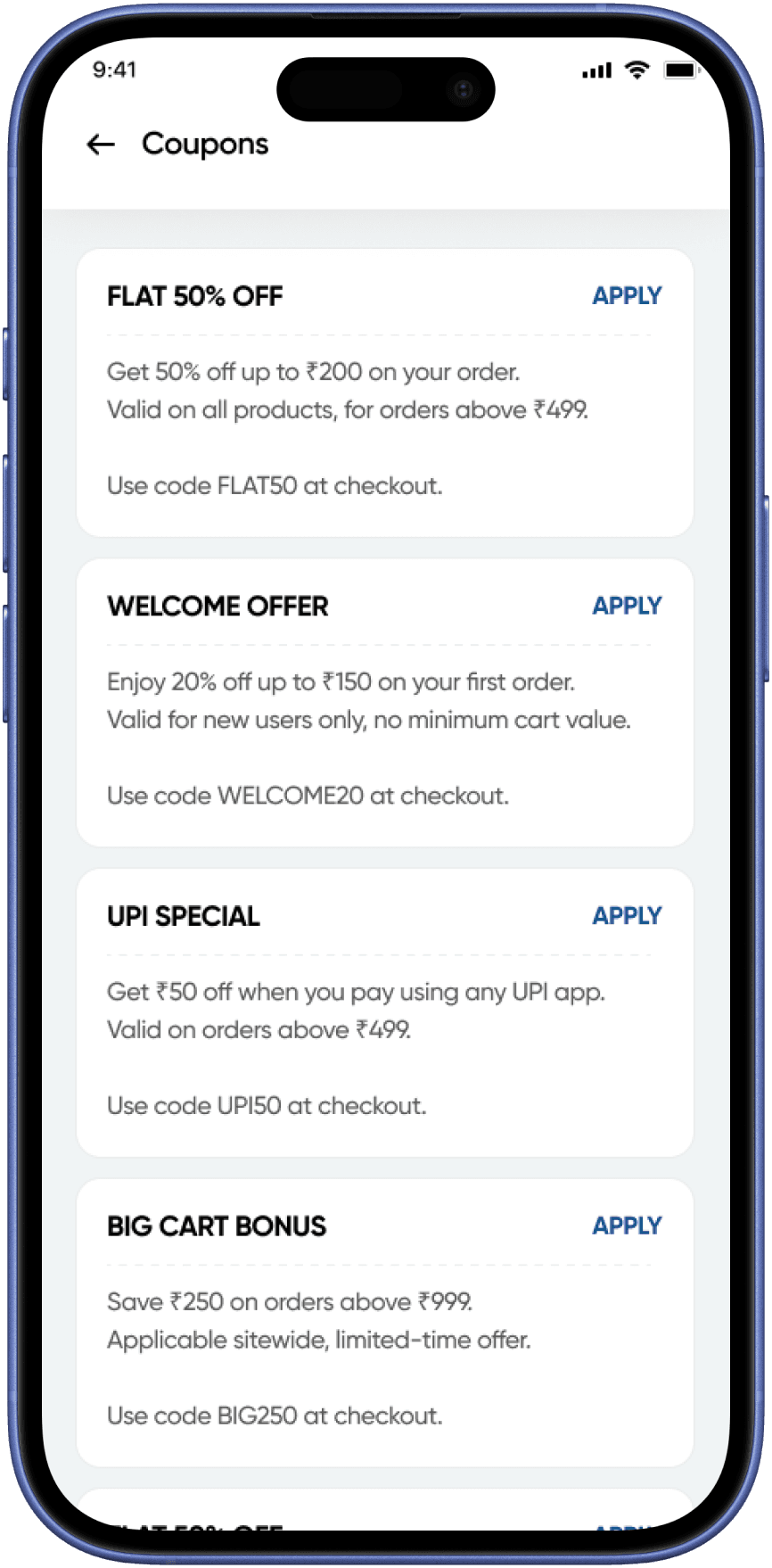
Coupons
AlignCart




© 2026 Portfolio - Shubham Bhardwaj